The run stays on the card.
Events, questions, files and cost stay on the item after the agent is done, not in a chat log you have to scroll.
Open source · MIT · v0.1.0-beta.9
Press ▶ on a card, pick Claude Code, Codex, docket or opencode, and it runs. What happened stays on the item. Self-hosted: one binary, one SQLite file, no account.
Linux (.AppImage, .deb) · macOS (.dmg, Apple Silicon and Intel) · Windows (.msi)
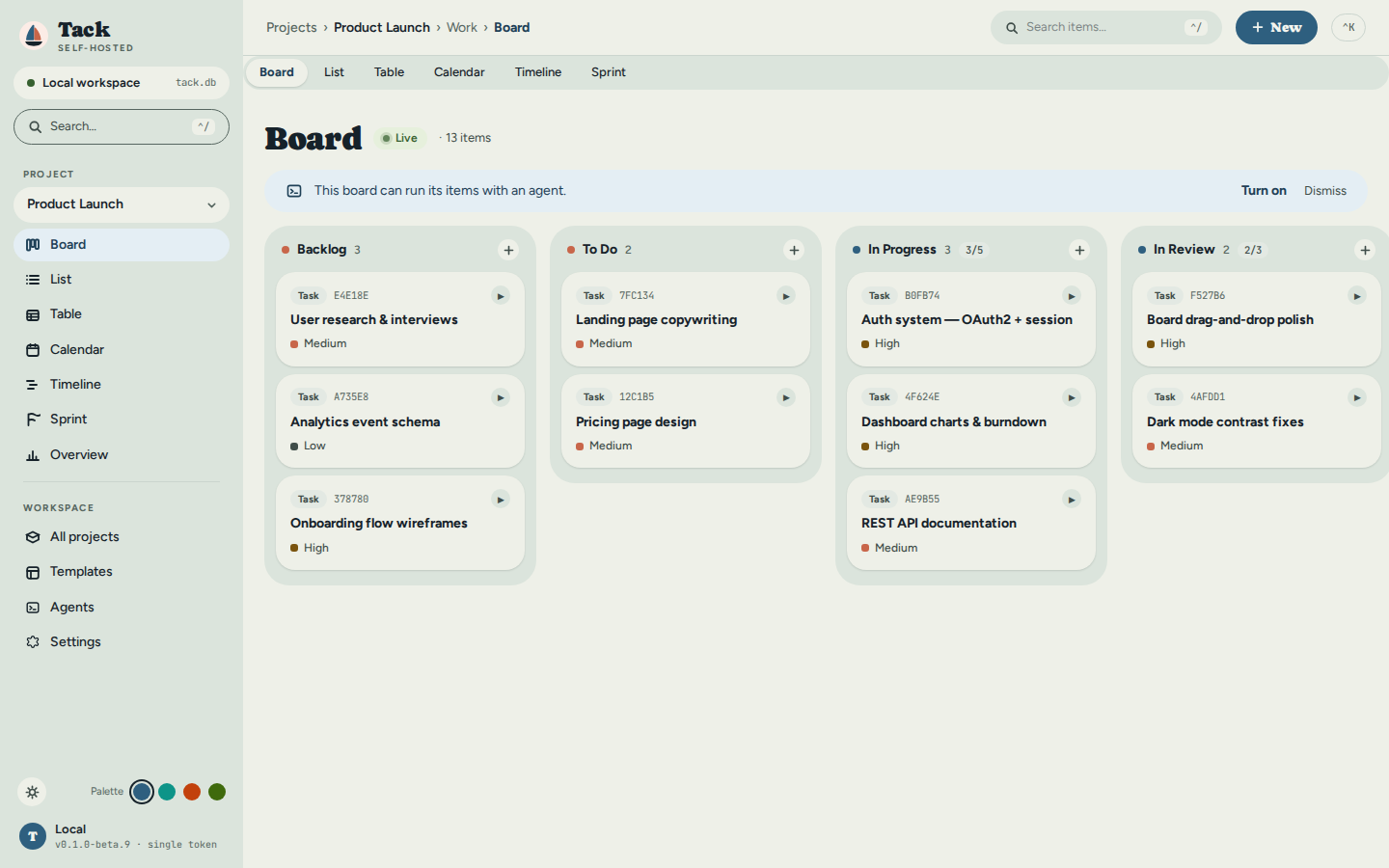
What it is
Events, questions, files and cost stay on the item after the agent is done, not in a chat log you have to scroll.
Kill a run halfway through and Tack neither loses it nor starts it again behind your back. It stops and asks you.
The board never holds a model credential. The runner that does lives where your code already is.
Cost and tokens show what the agent reported, or say “Not measured”. Never an estimate, never a silent 0.
Agent runs
Three steps, the same whichever agent you pick.
Use the agent’s own subscription and Tack never sees the credential, or give the runner an API key for an endpoint. The model list comes live from that endpoint.
With approvals set to “Ask me”, Claude Code, Codex and opencode pause before acting and wait in the item’s decision inbox.
From installed binary to a finished test run on one page: turn execution on, see which agents this machine has, check their login, pick a default model, try it.
Without agents too
Everything here works the moment Tack starts, with no agent set up.
Install
Open it and the board opens in its own window. Closing the window does not stop the work.
Binaries and the desktop app are not code-signed yet. On macOS, right-click → Open the first time. On Windows, choose More info → Run anyway.
tack serveThe same binary and the same data, run from a terminal. It is for a machine with no desktop, a remote or shared host, or automation through the CLI and REST API. For a shared server, attach a separate tack-runner instead of using --with-runner, which only runs on localhost.
curl -fsSL https://raw.githubusercontent.com/yielab/tack/main/install.sh | sh
tack serve --with-runner
Then open http://localhost:3210. The installer checks every download against the release’s SHA256SUMS. Your data is tack.db plus the storage/ folder. Back up both.
Open source under MIT. Download it, run it on your own machine, and keep every run on the item it belongs to.